 EN
 Deutsch
 Nederlands
 Français
 Svenska
 Norsk
 Dansk
 Español
 日本語
 한국어
 Русский
 العربية
 বাংলা
 Български
 Català
 简体中文
 繁體中文
 Hrvatski
 Čeština
 Eesti
 Filipino
 Suomi
 Ελληνικά
 ગુજરાતી
 עברית
 हिन्दी
 Magyar
 Bahasa Indonesia
 Italiano
 ಕನ್ನಡ
 Latviešu
 Lietuvių
 Bahasa Melayu
 മലയാളം
 मराठी
 Polski
 Português
 ਪੰਜਾਬੀ
 Română
 Српски
 Slovenčina
 Slovenščina
 தமிழ்
 తెలుగు
 ไทย
 Türkçe
 Українська
 اردو
 Tiếng Việt
- Free
- No download
- Works on phones
- Educational Games
- New Games
About the game
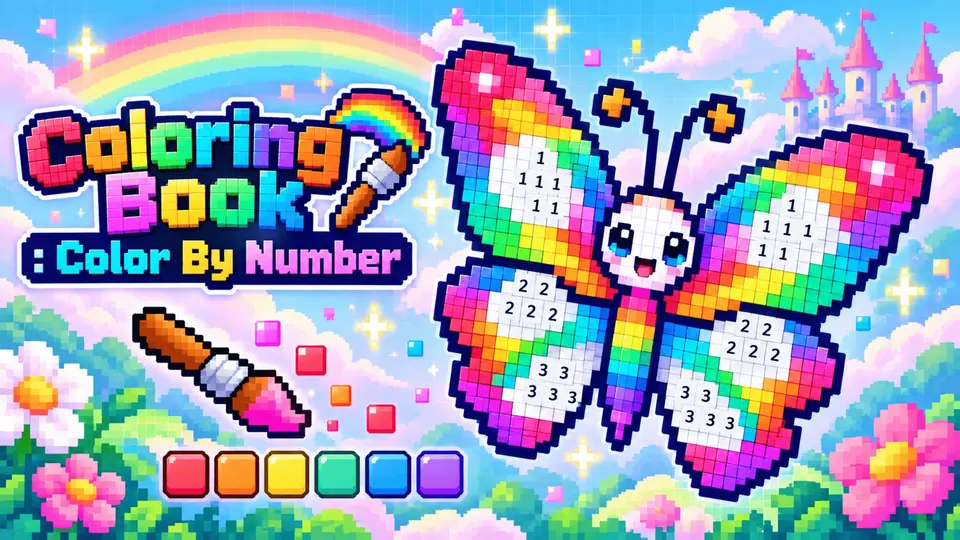
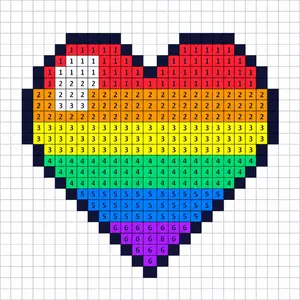
Every picture starts as a grid of numbered squares. Pick a shade from the palette, find the squares carrying the same number, and fill them in. Slowly the pieces join up into an animal, a snack, a vehicle or a scene.
You can pick quick, easy pictures or detailed ones that take longer. Brushes come in three sizes, and power-ups like the Finder and the Magic Wand help when a stray square hides from you. A photo can also be turned into a pixel picture.
How to play
- Left click a picture to open it, then click a number in the palette and click squares with that same number.
- Hold the left button and drag across matching squares to fill a whole row in one stroke.
- To move the picture around, hold the left button on an empty or finished spot and drag.
- Scroll the wheel up to zoom in and down to zoom out. The zoom centers on your pointer.